






Apple API dual account login app store tutorial

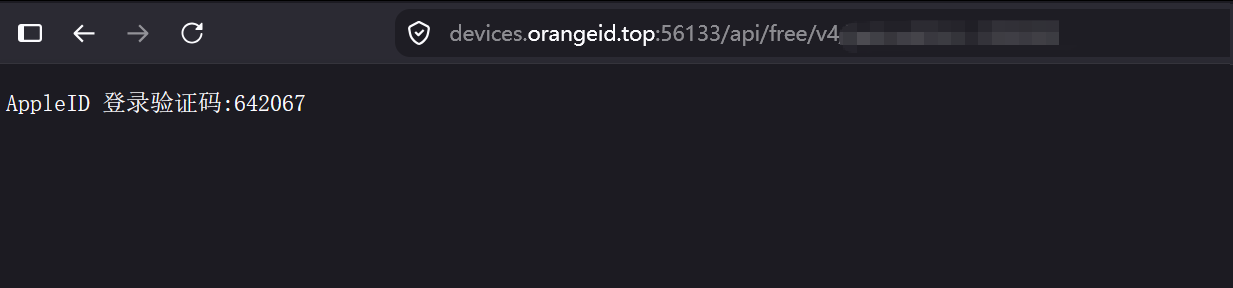
This article is converted into a tutorial on how to log into the App Store for the first time using an API dual Apple account. After you purchase an API Apple account, the card code format you will receive is: account----password----API, where the account and password are the account and password you need to enter when logging into the App Store, and the API is actually a URL where you can get the verification code. When logging in, after entering the account and password, open the API and enter the received verification code back into the login prompt box to complete the login. The detailed tutorial is as follows:
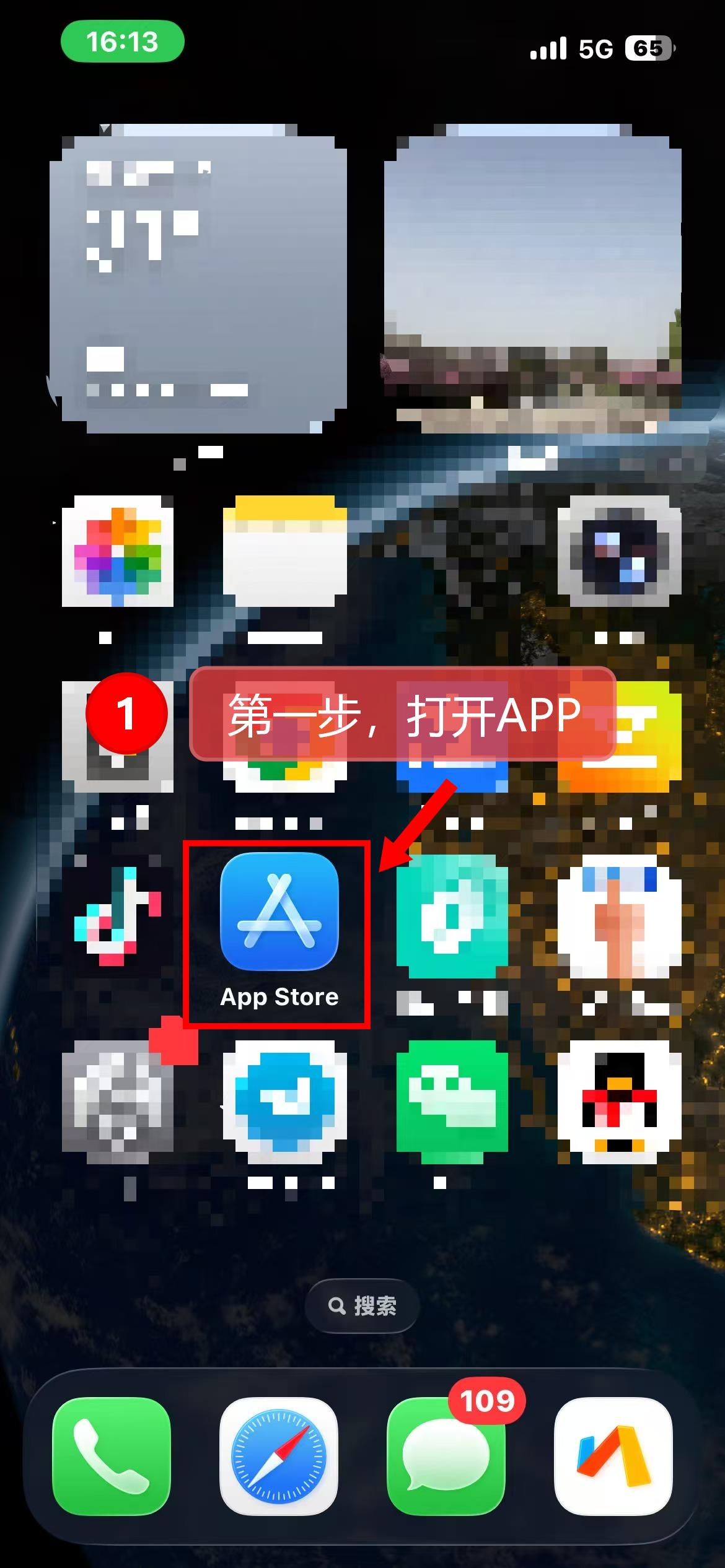
Step 1: Open the App Store
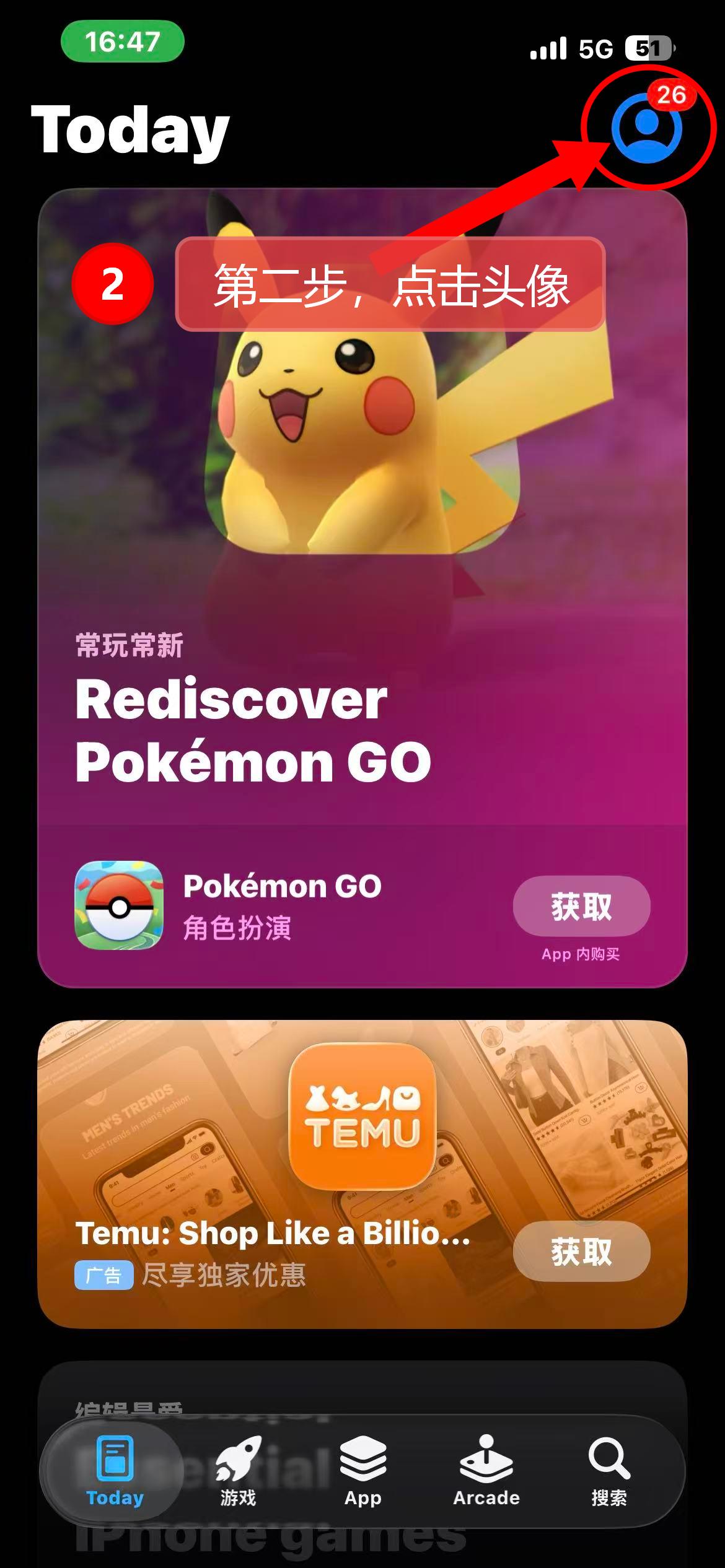
Step 2: Click the login avatar
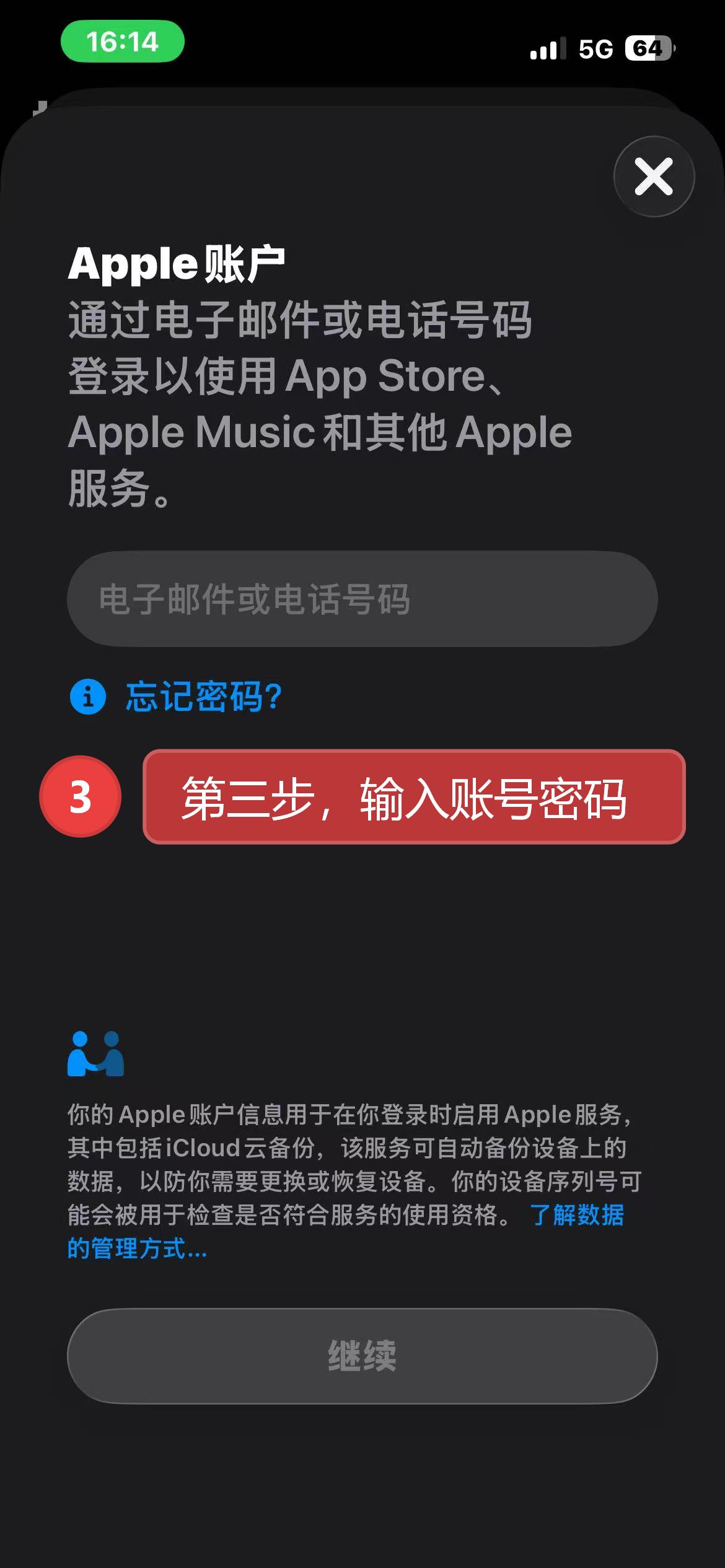
Step 3: Enter the account password and click login
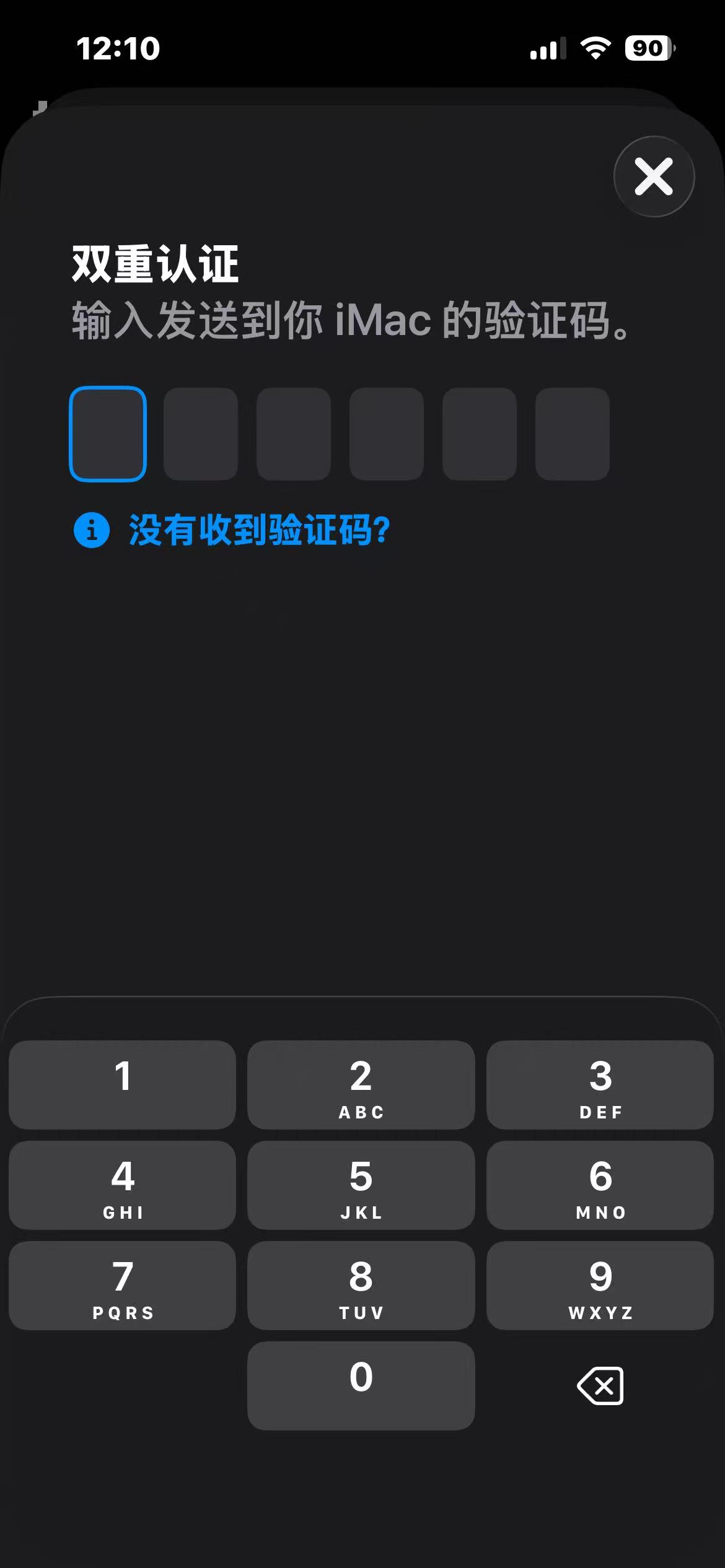
Step 4: Copy the API URL into your browser and open it; a verification code will be displayed. Enter the verification code into the two-factor authentication prompt to complete the login.
Note: API accounts are only for logging into the App Store. If you need to log into iCloud, please return and repurchase the 12 yuan iCloud activation product. All secret-security accounts in this store support free replacement to a specified region.