






FB login CK tutorial
First, let's list the purchased accounts. Use that plugin to view what's written in the screenshot.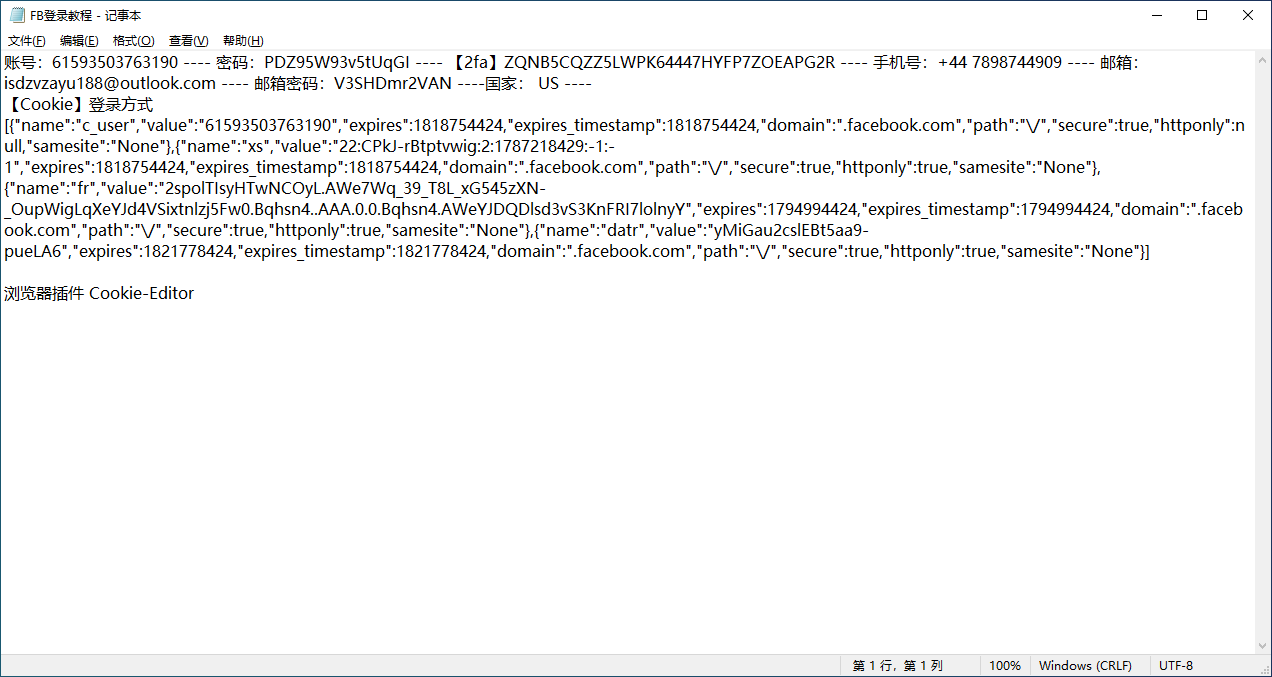
Step 2: Open the browser you commonly use. I personally use Google Chrome. Install the plugin according to your browser. Open the browser and find Extensions. Select the app store to install the plugin we use. 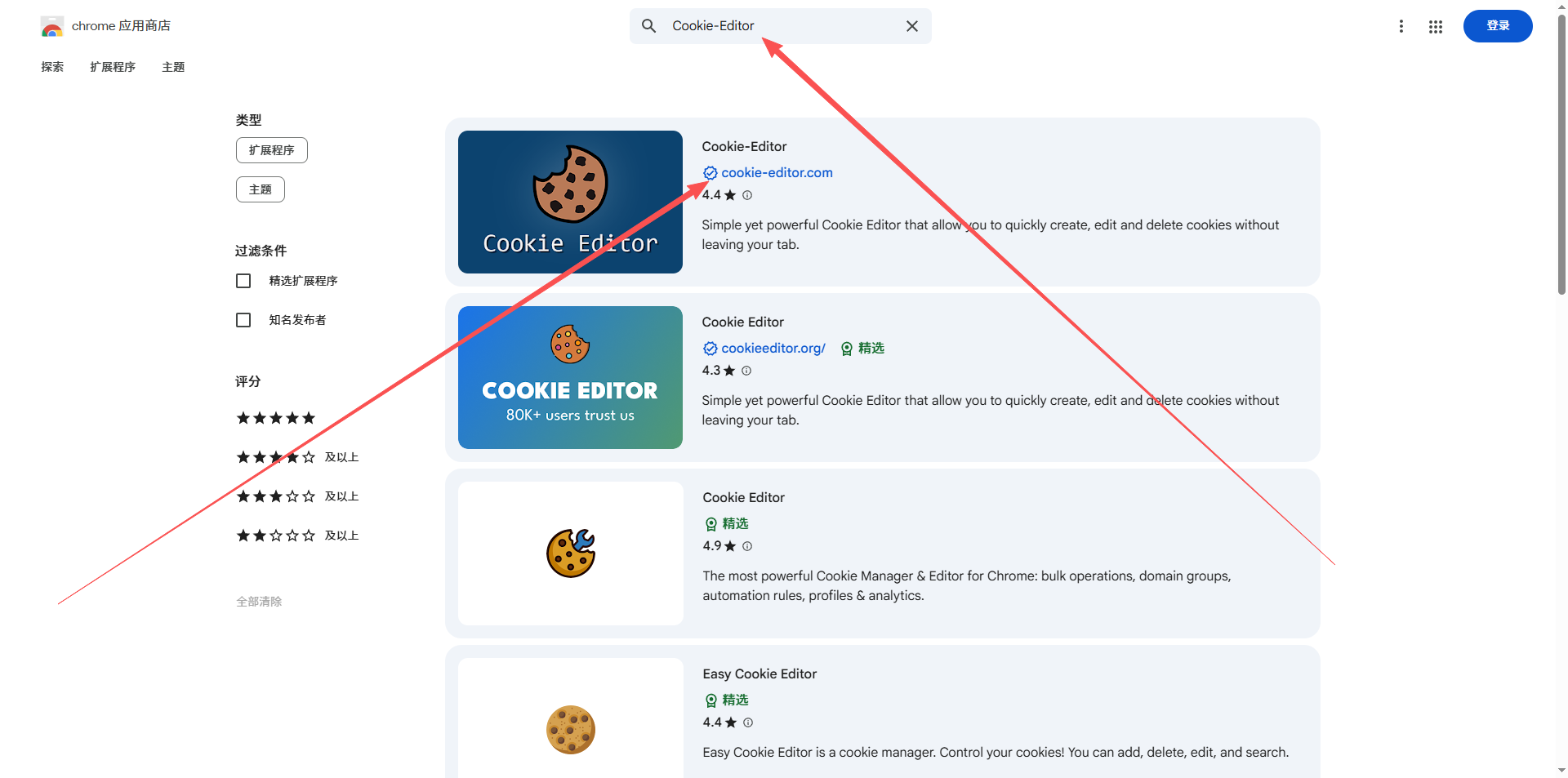
After installation is complete, we open the login page of the Fb web version and click the plugin feature.
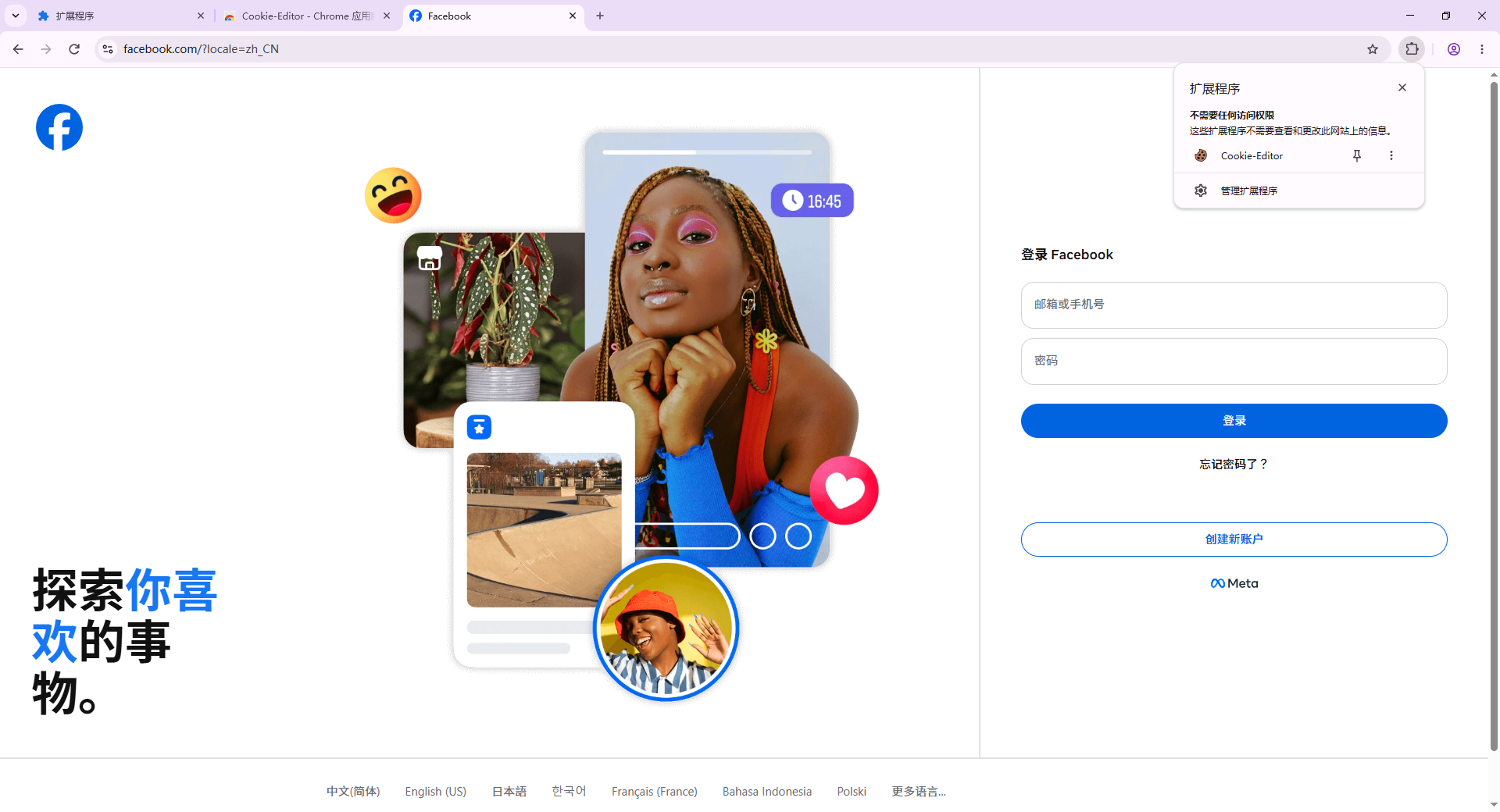
Click the plugin we're using, and the page below will appear. We select the spot my arrow is pointing to and start the next step. 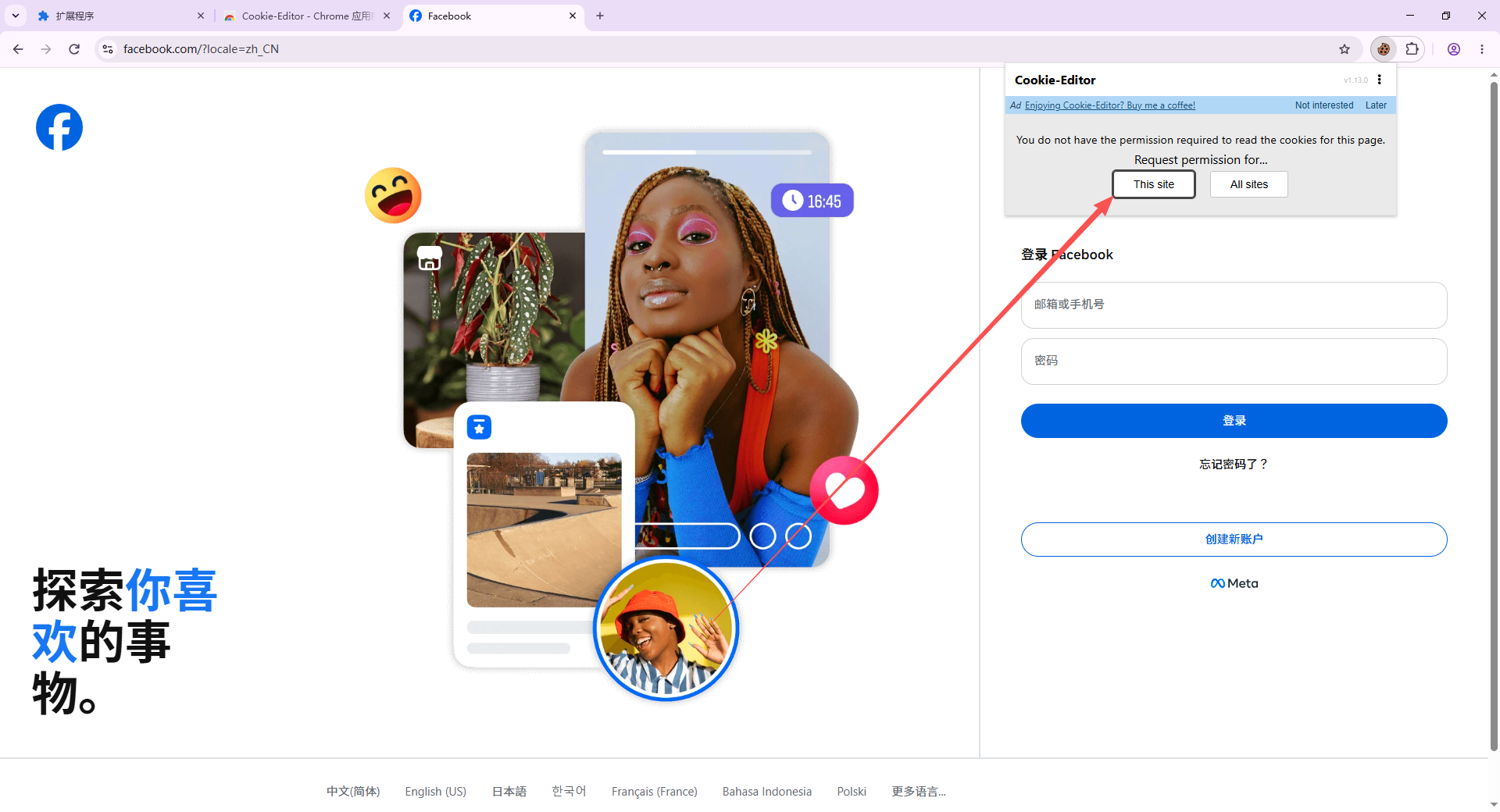
Next steps: follow the operations shown in the image
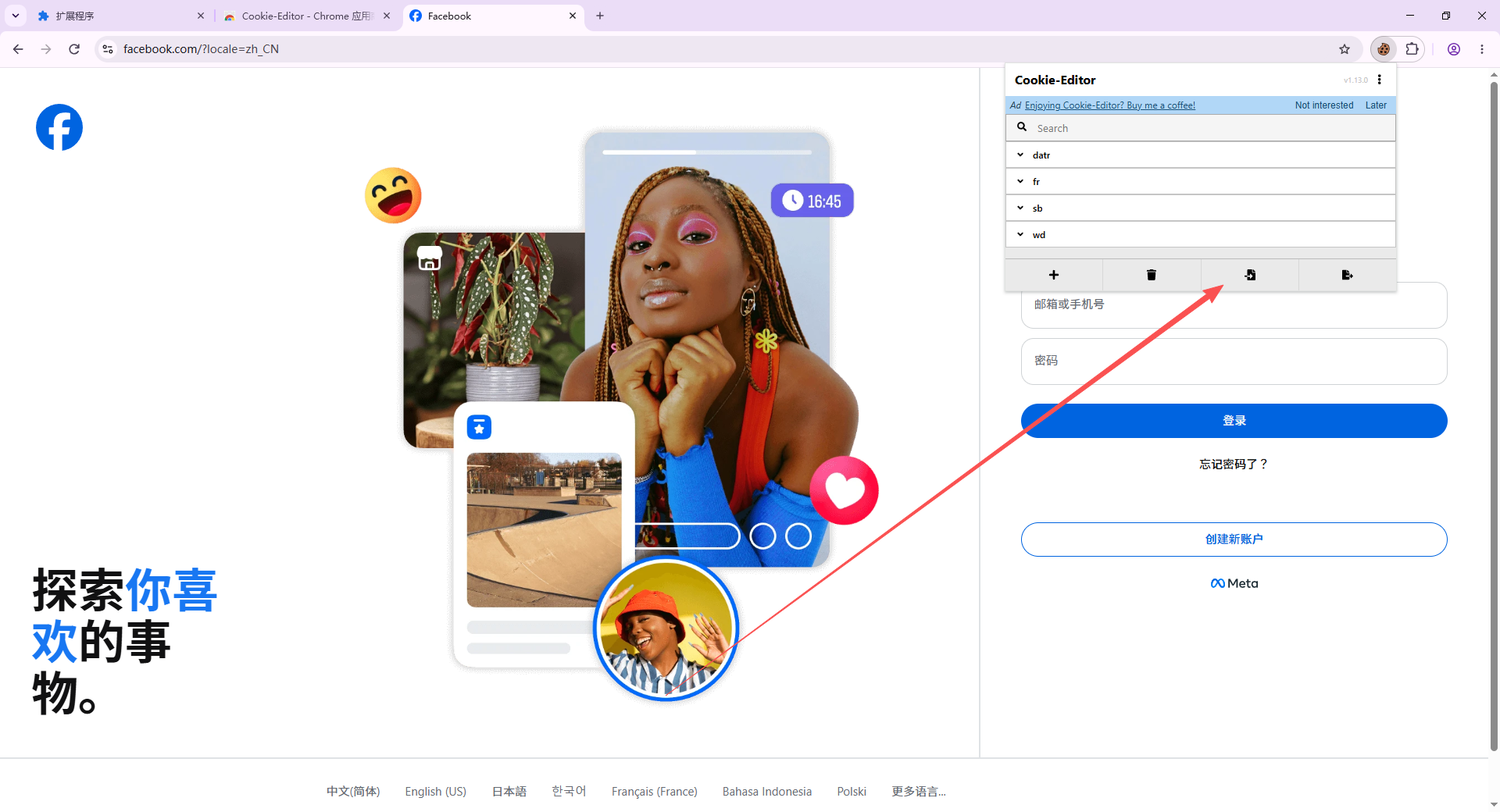
Click the place indicated by the arrow to start the next step
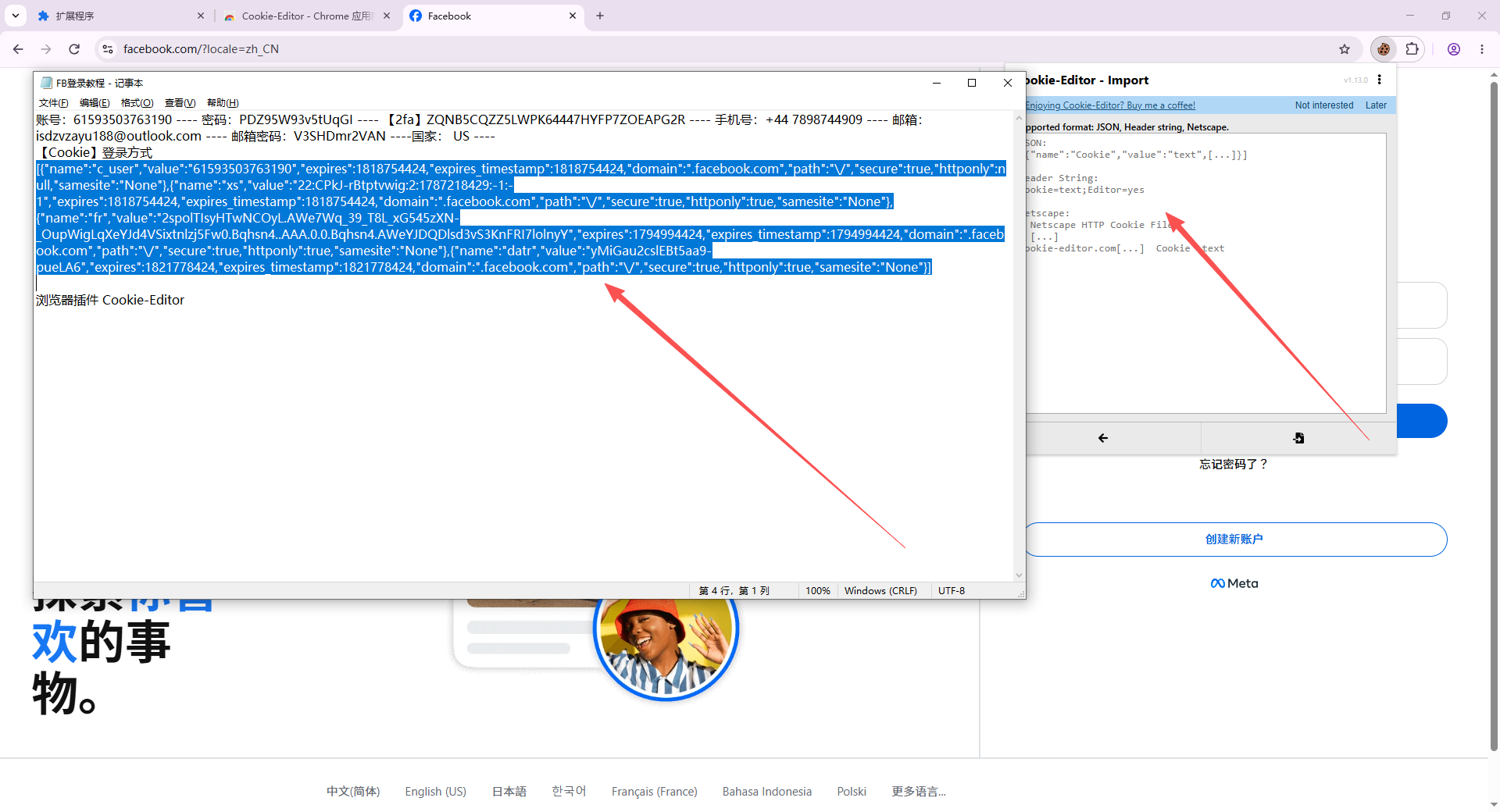
First copy the login method and paste it into the plugin function, then click the place indicated by the arrow
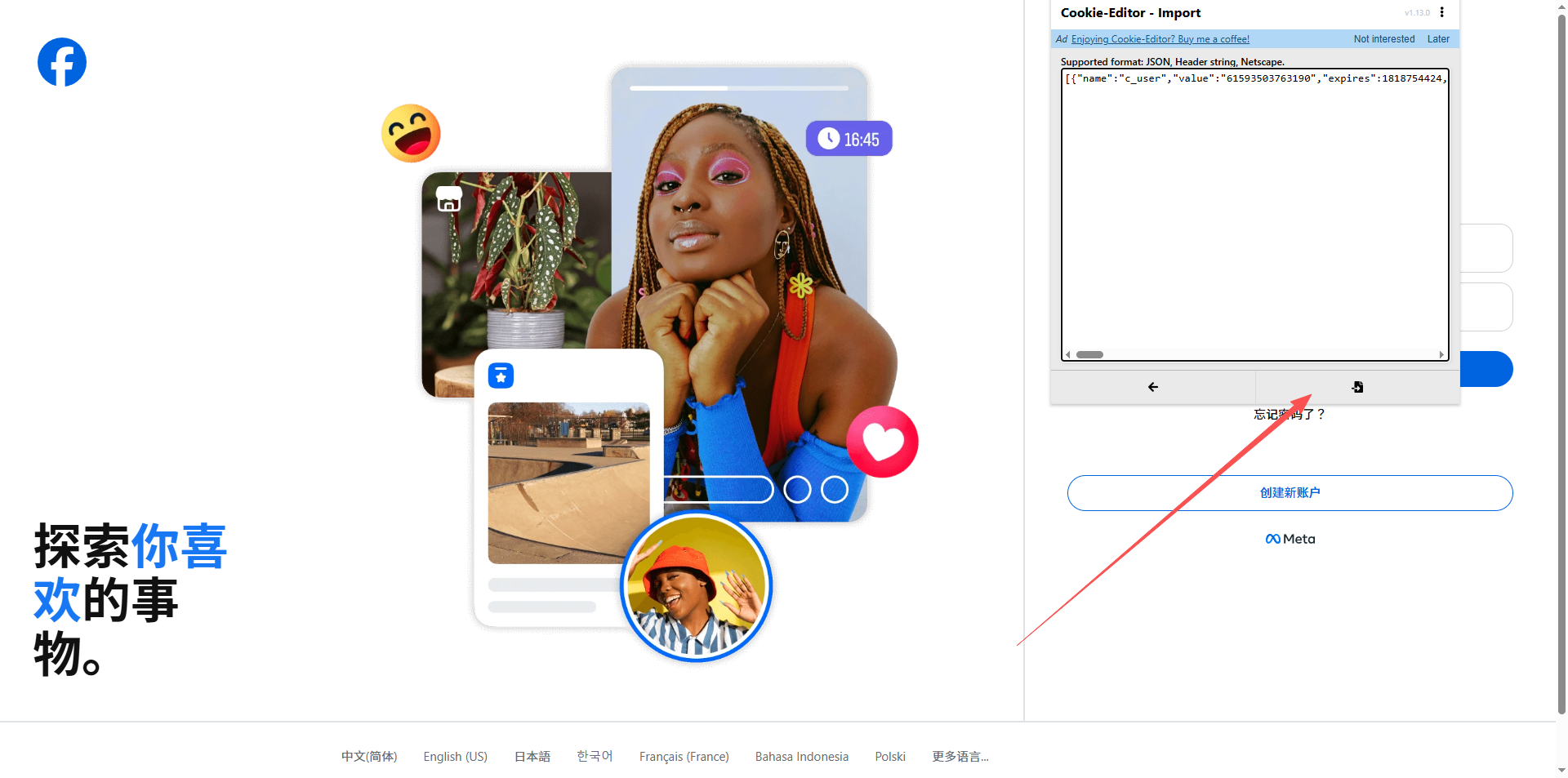
We will return to the original page, click refresh in the upper left corner, and then you can log in.
For some beginners who don't know how to use it, you can check out the tutorials on the official website more often. Learning makes people improve.