






TikTok black screen, no network prompt, unable to log in? Root causes and complete troubleshooting guide
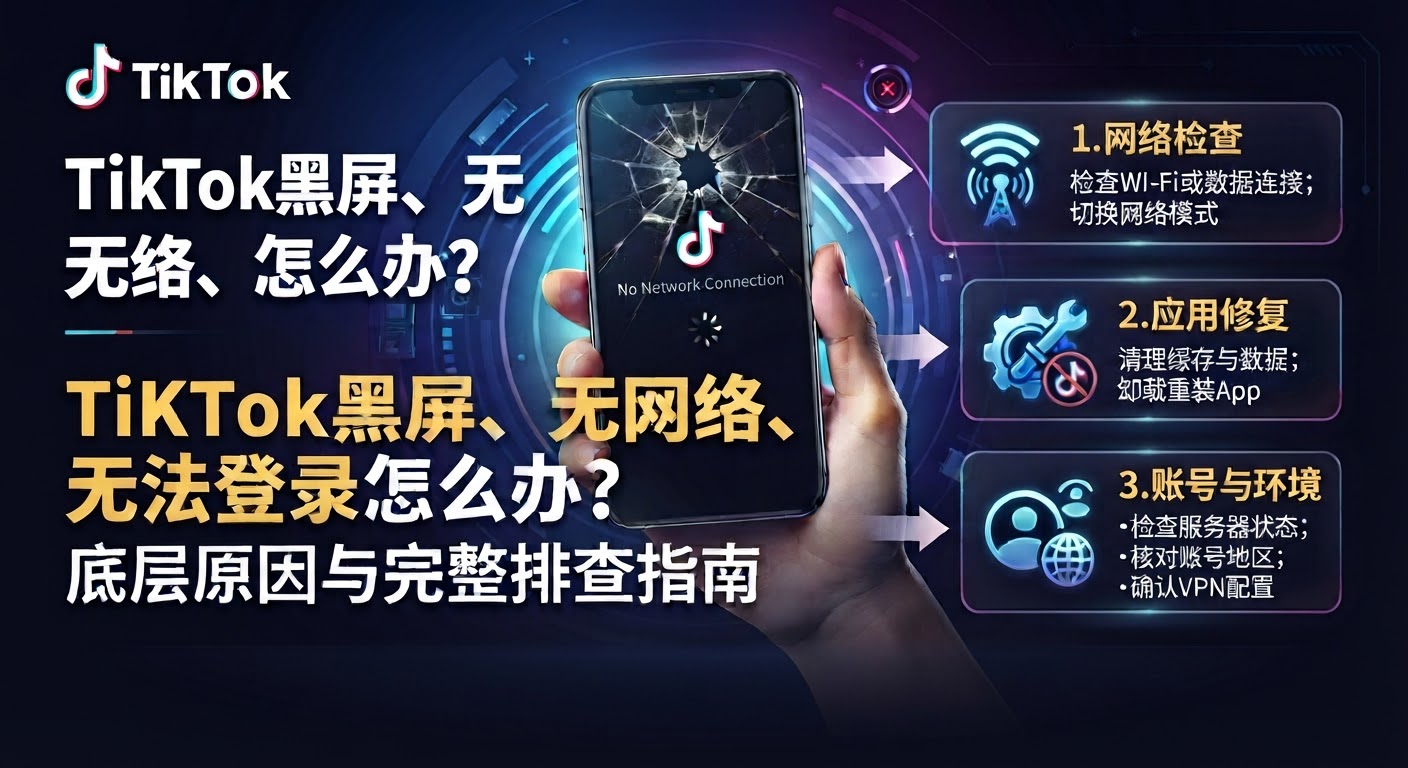
⚡ What to do if TikTok shows a black screen, says no network, or won't let you log in? Root causes and a complete troubleshooting guide
In-depth analysis of network and environment failures to help you quickly troubleshoot and restore normal use.
💡 Frequent black screens, hard to recover the environment? It is recommended to directly switch to a stable aged account:
🛒 Stable aged accounts direct access: click to enter the card-selling store to purchase >>🛡 Official direct sales · 24-hour automatic delivery · After-sales includes first login and environment guidance
📌 Core troubleshooting preparation
- Check whether the phone's current internet node is stable, and whether the IP precisely corresponds to the target overseas region (such as the US region, Japan region, etc.).
- Confirm that no mainland China carrier SIM card is inserted in the phone, or that the carrier baseband cache has been completely cleared.
🔍 Why does your TikTok always fail to log in, show a black screen, or say no network?
Something went wrong: If a SIM card from a mainland China carrier is inserted in the phone, or even if the card has been removed but carrier cache remains on the phone, the TikTok client will instantly recognize the China region code and trigger the carrier region-lock protection, causing a black screen on opening or a no-network prompt.
SolutionRemove the domestic phone SIM card; for iPhone, it is recommended to reset network settings or erase the device and reconfigure it; for Android phones, it is recommended to restore factory settings or re-download and install the official TikTok client without a card.
Something went wrong: Using a free proxy shared by tens of thousands of people or a low-quality data center IP that has already been blacklisted by TikTok official. Such IPs have obvious characteristics, and the server will directly disconnect the network connection or refuse to respond, showing as infinite spinning, login errors, or videos that fail to load.
SolutionSwitch to native exclusive nodes with higher purity and lower fraud scores, or high-quality commercial IPs. After connecting, use an IP purity detection tool to ensure the IP disguise level meets the standard before opening the software.
Something went wrong: The phone system's location, language, and time zone do not match the country of the currently connected node (for example: the node shows the United States, but the phone time zone is still Beijing time and the language is Chinese), so it is judged by the system as a high-risk fraudulent device, and a strong risk-control block of "black screen/no network" is directly enforced.
SolutionTurn off phone location services (or change to a virtual location), change the system language to the target country's language (e.g. English), and manually adjust the time zone to the standard time zone of the target node's location.
Something went wrong: If you manage to register successfully with an email or an overseas phone number by luck, but your environment masking isn't thorough enough, posting a video will directly result in 0 views, failed review, or the account being banned outright.
SolutionReconfigure the device strictly according to the native overseas environment, or choose to directly obtain a mature aged account.
🛡 Time-saving and effort-saving alternative (recommended)
Get TikTok aged accounts —— If you've spent ages troubleshooting the network, removed the SIM card, changed the location, and are still exhausted from being tormented by black screens and login failures, and want to skip the complicated environment setup, you can directly get ready-made, risk-control-verified TikTok accounts, ready-made accounts, or aged high-weight accounts on the platform.
Core advantages of aged accounts —— Ready to use immediately, perfectly say goodbye to black screens and no network; perfectly bypass strict new registration risk controls; comes with real overseas weight, making it easier for videos to gain traction.
💡 Operational adviceIf you have any questions about account login or buying TikTok accounts, feel free to visit the platform anytime for 24-hour automatic delivery service and after-sales customer support!