






Apple account change password and reset security question tutorial

Step 1: Open official website https://account.apple.com/
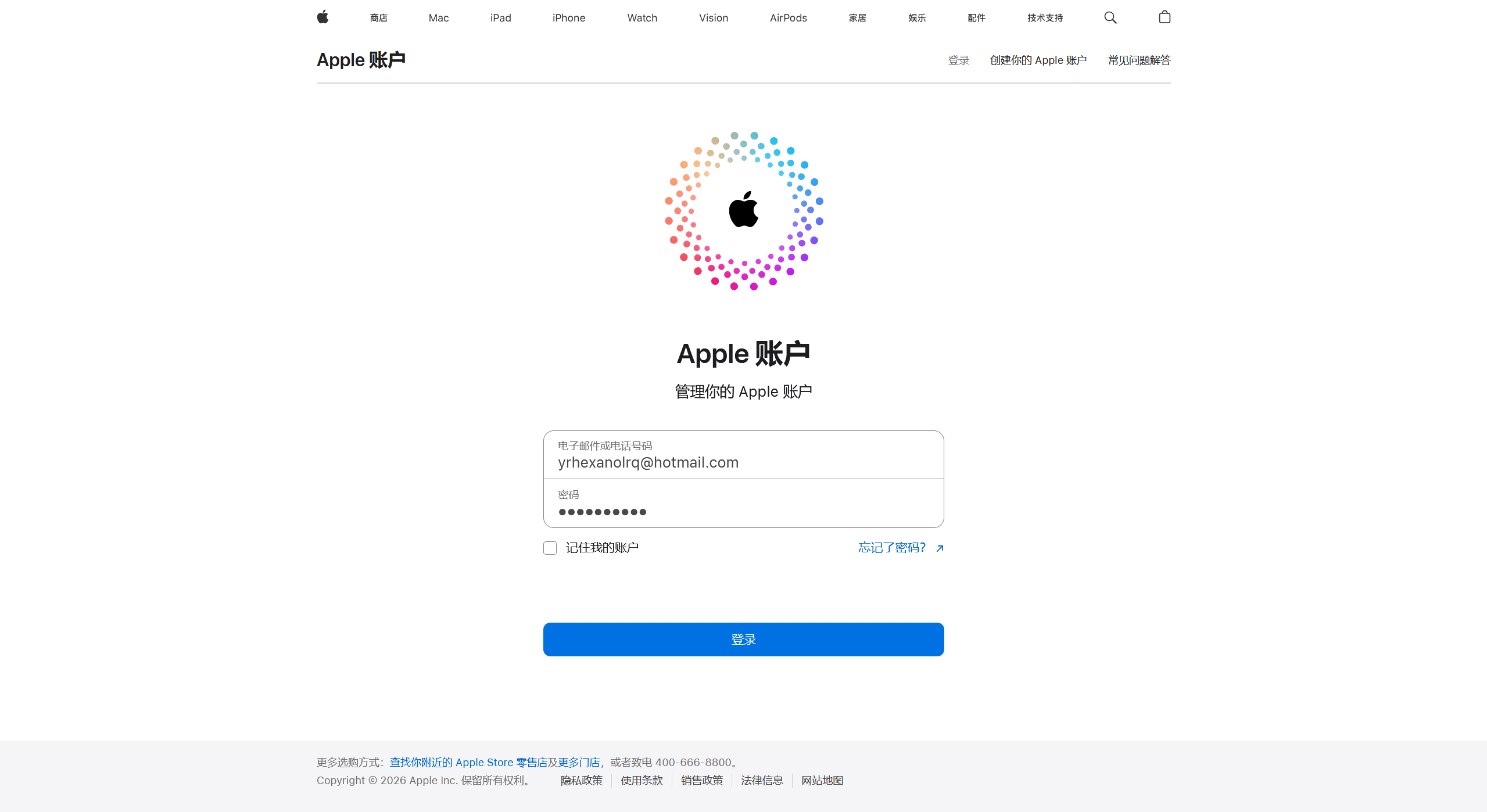
Step 2: Click login, enter account password

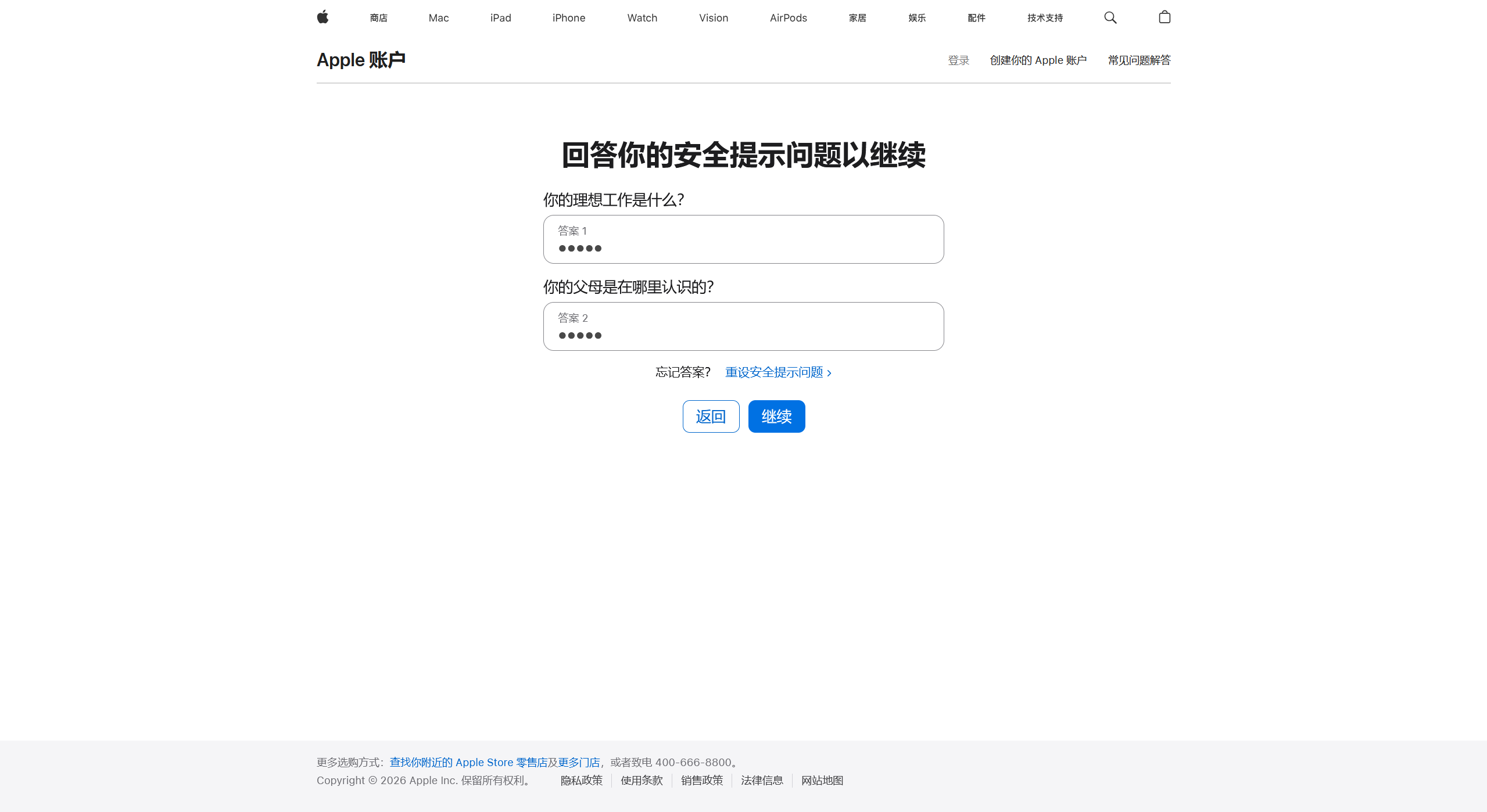
Step 3: Enter security question answer, click continue
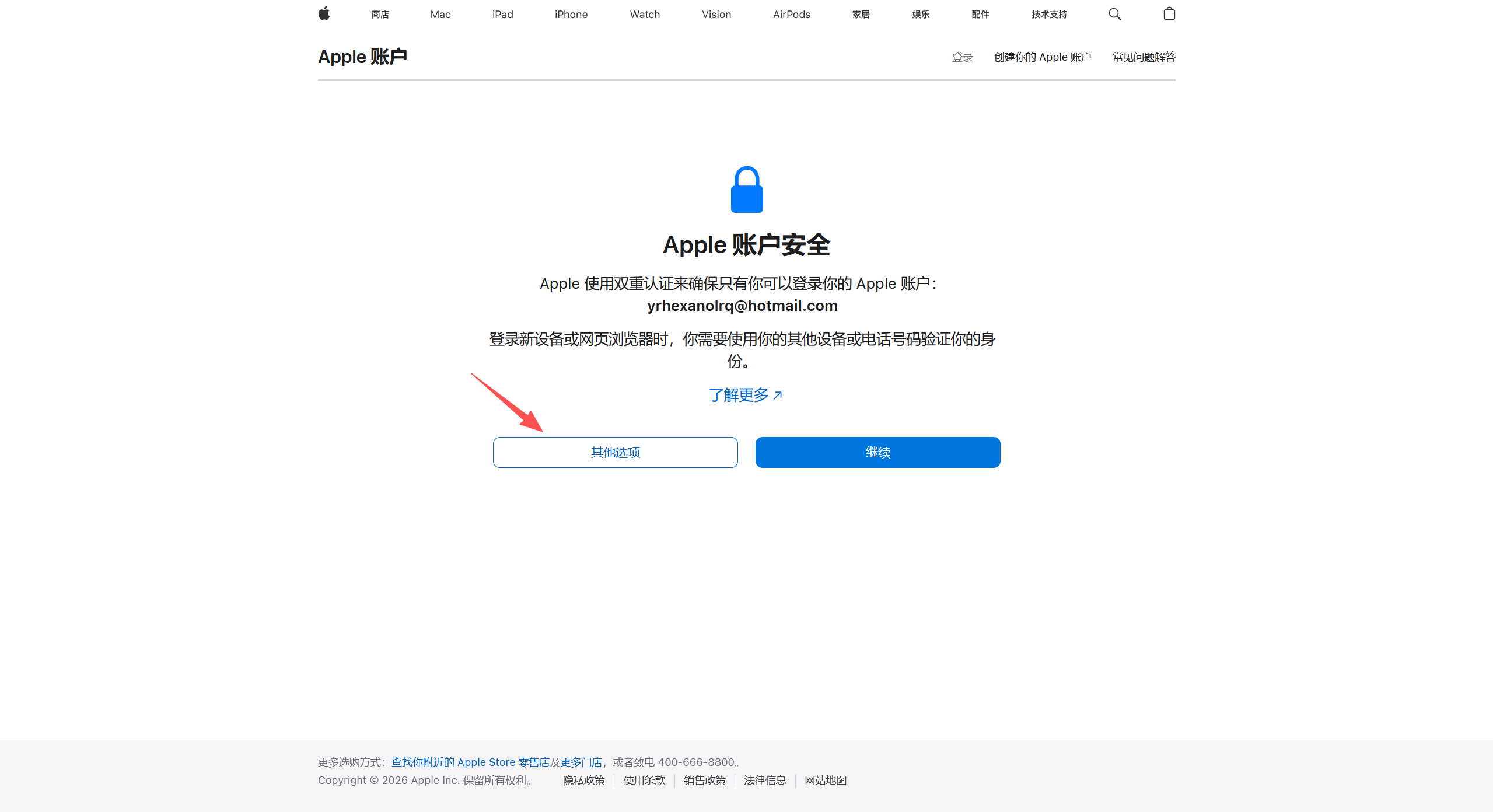
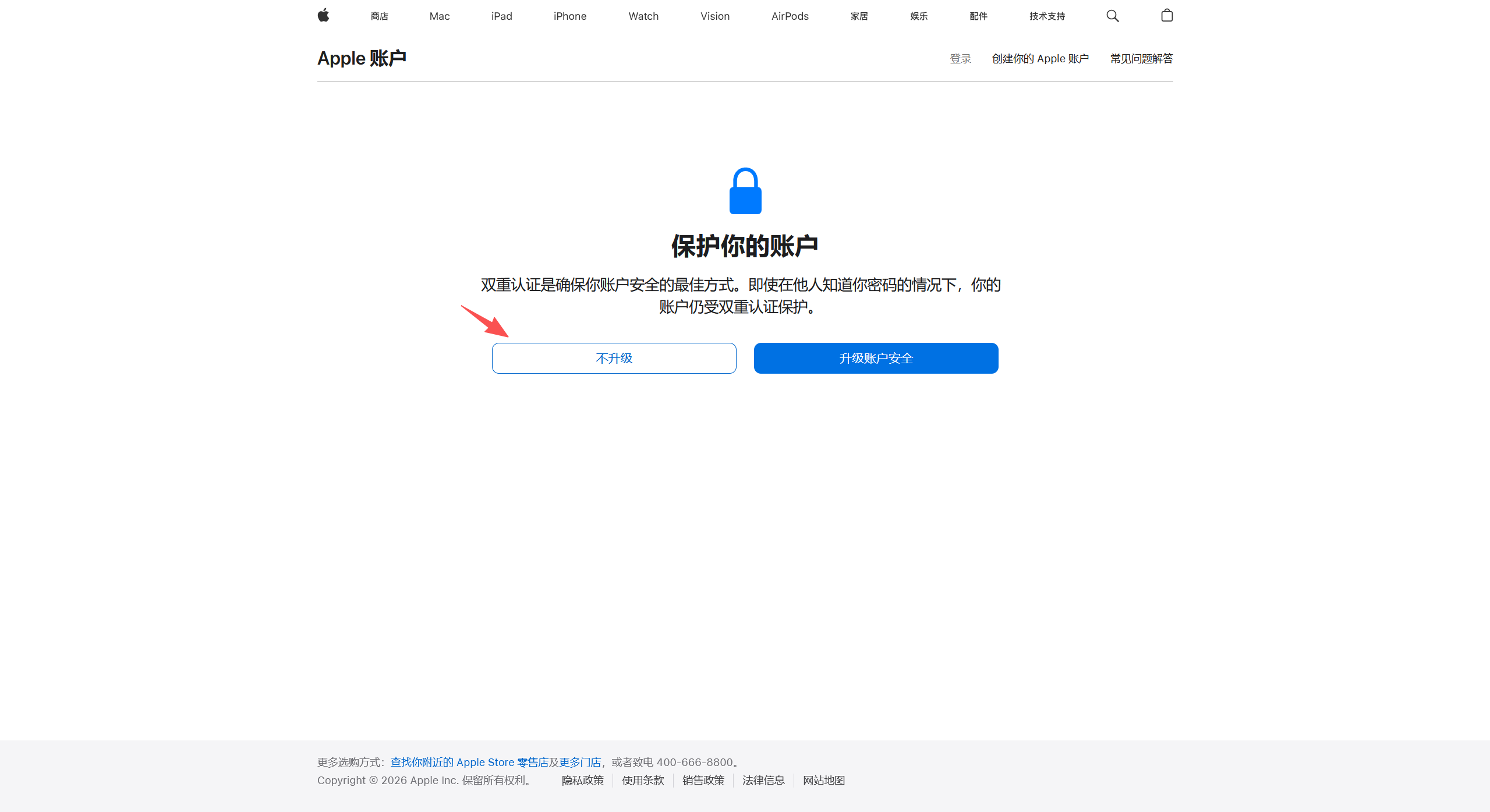
Step 4: Select other options and after not upgrading can enter personal homepage
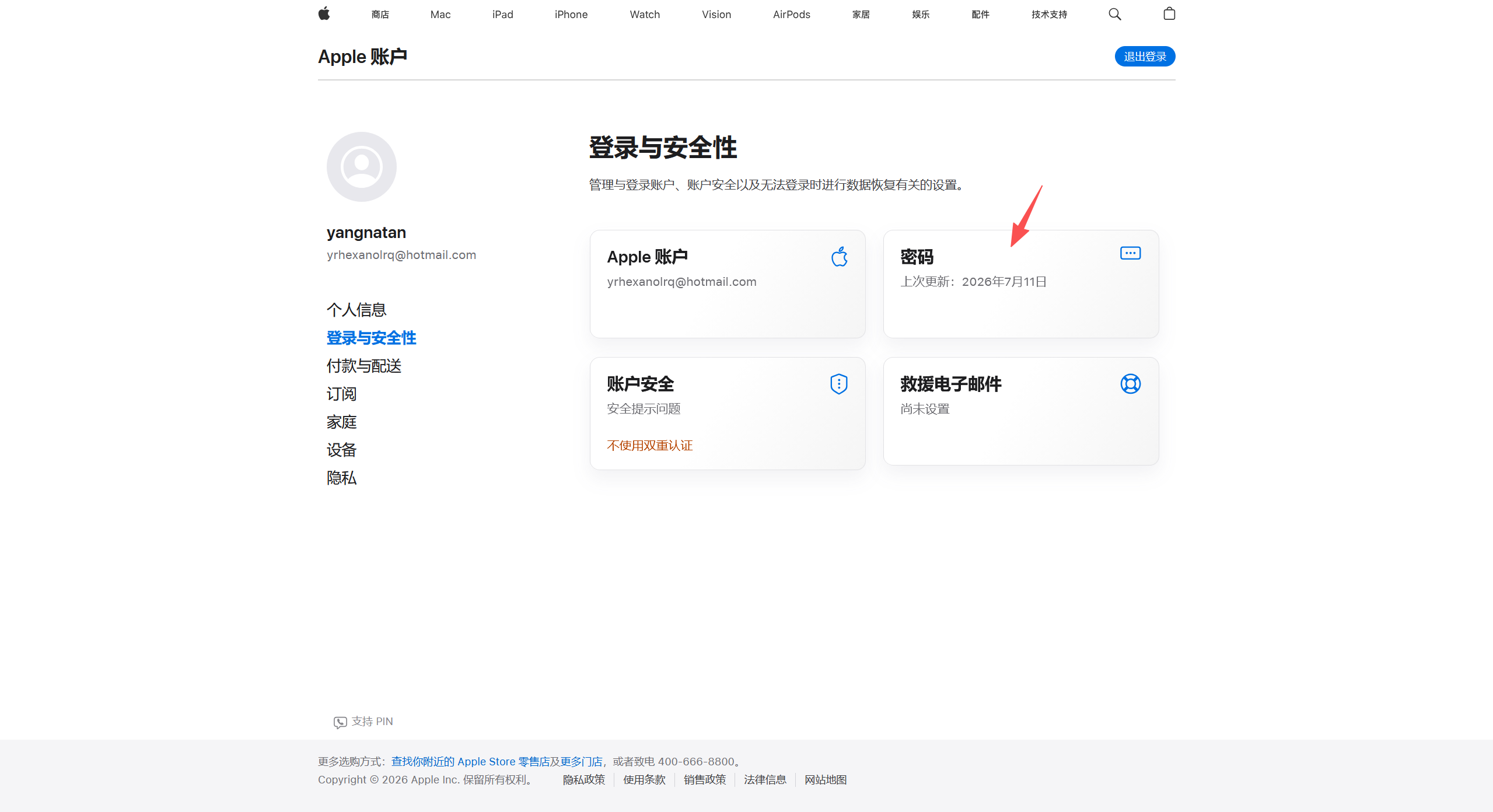
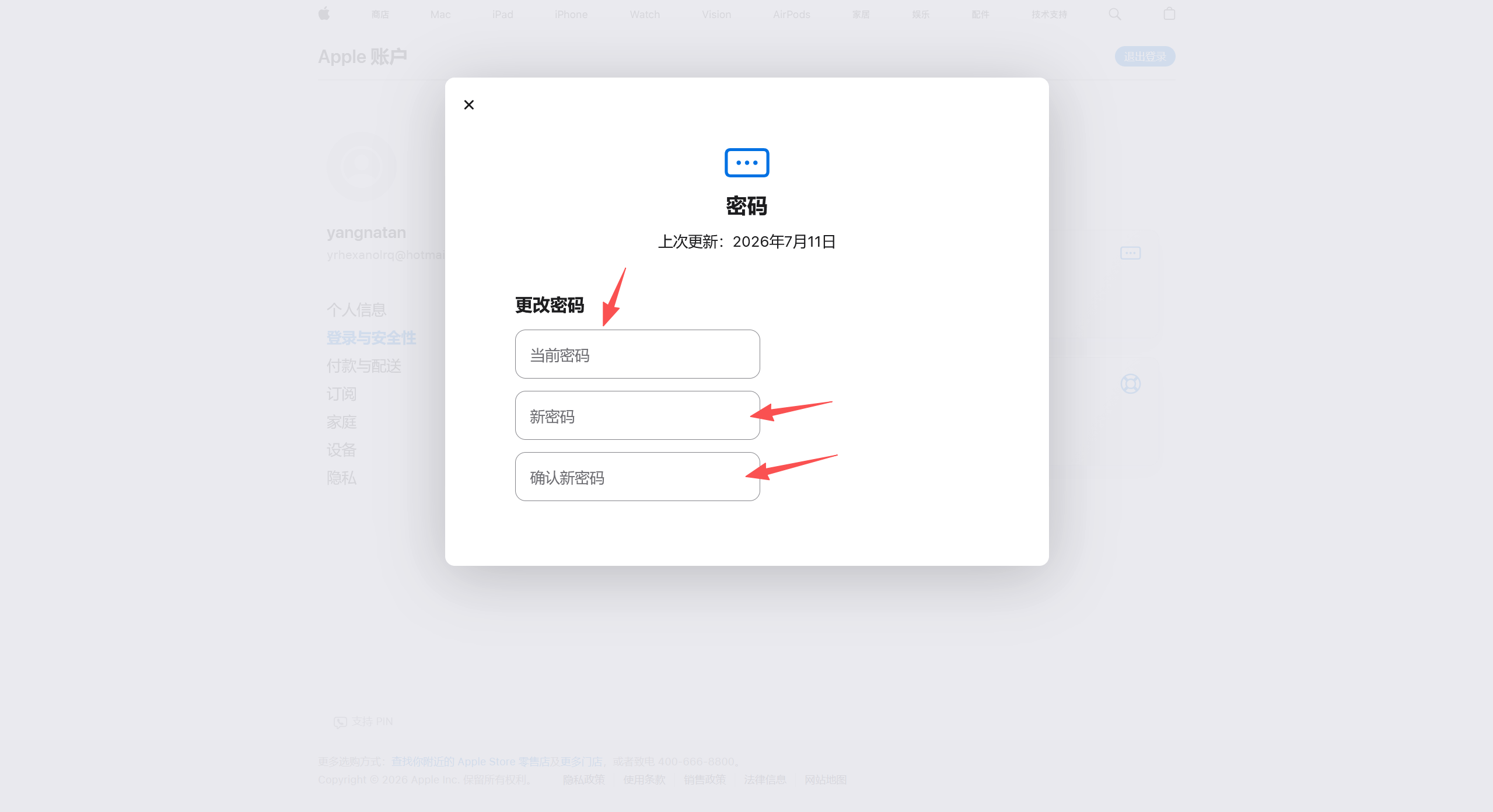
Step 5: Click password to modify password
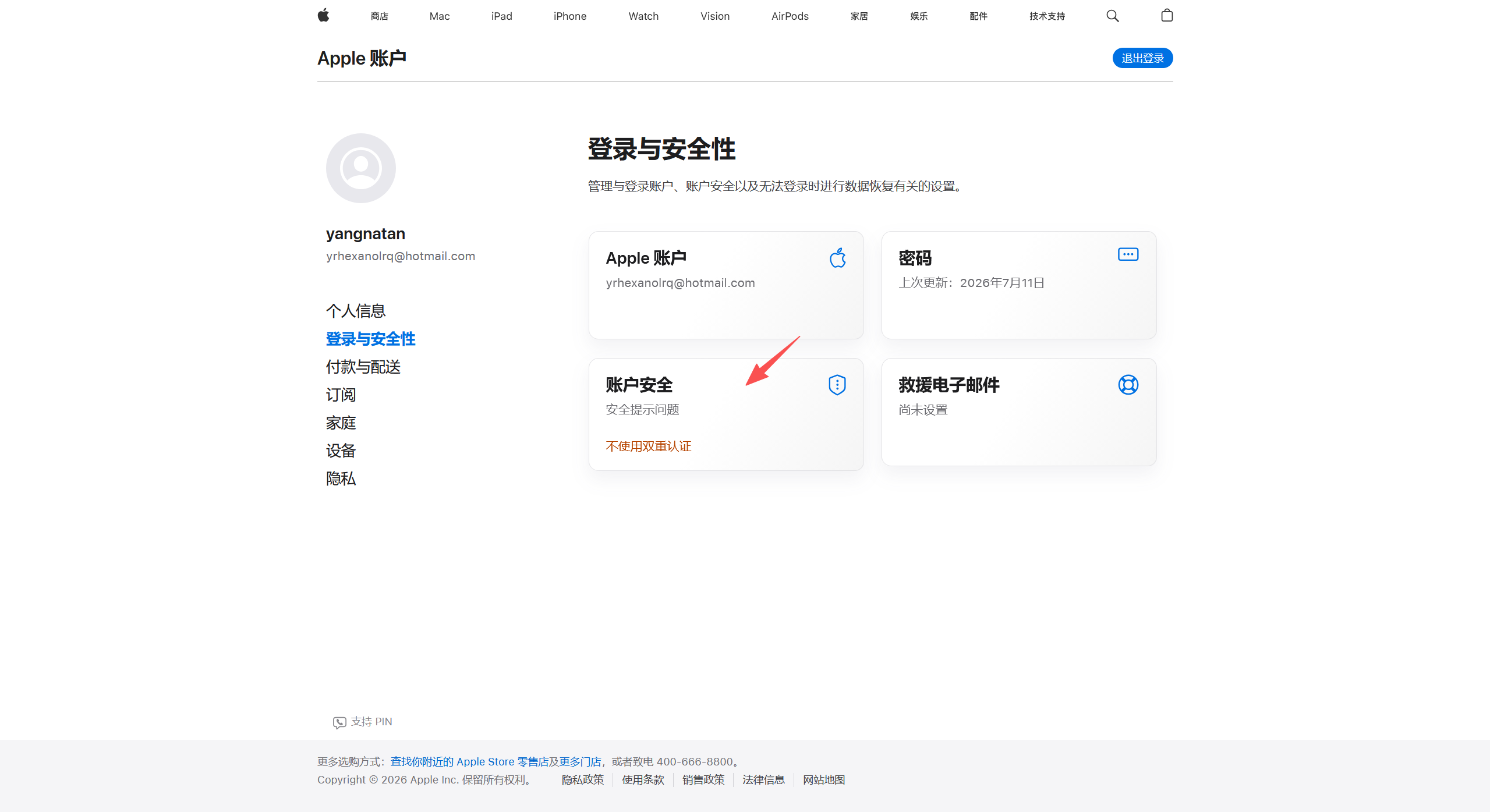
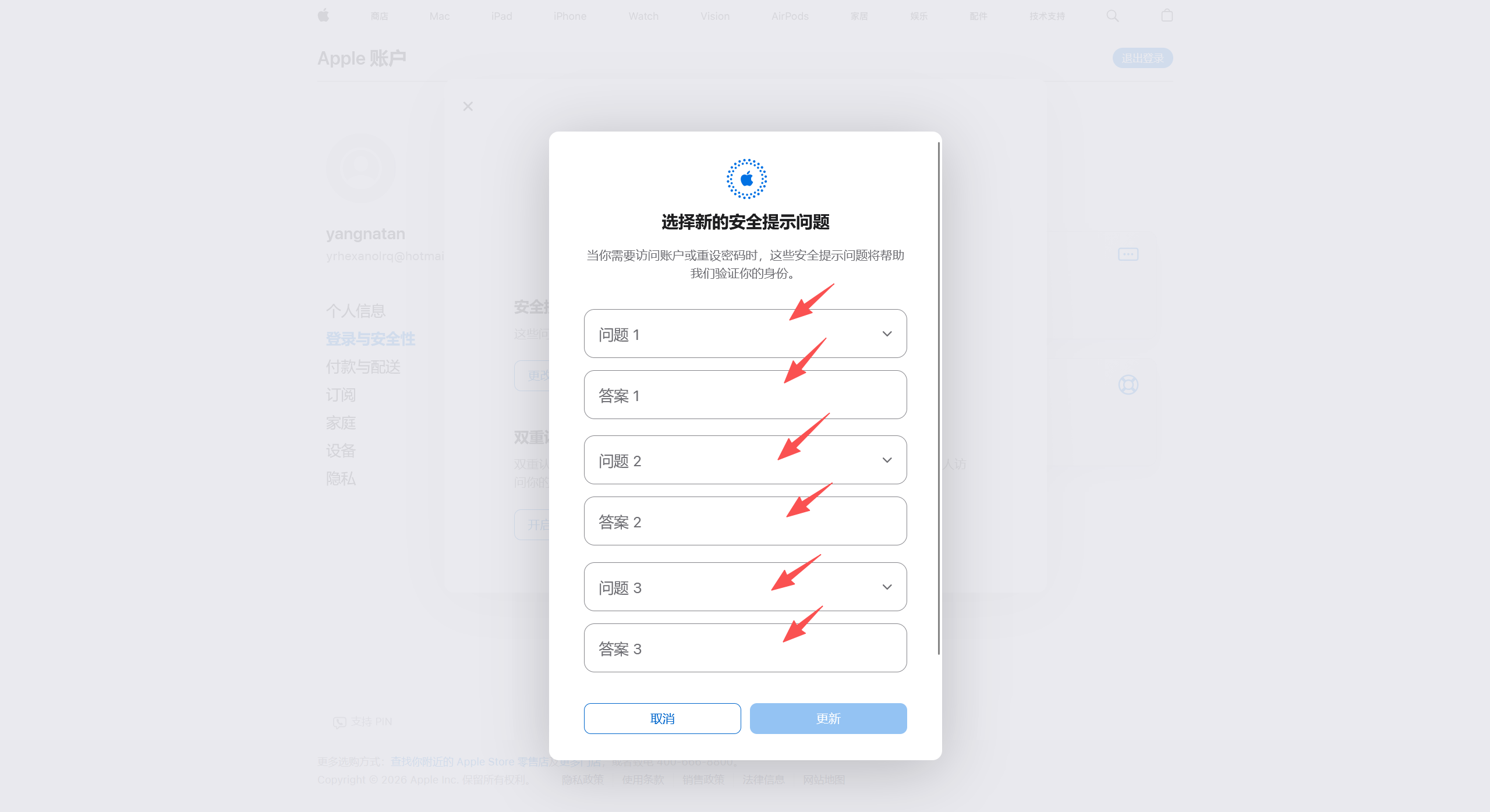
Step 6: Click account security, can reset security question

The tutorial has ended, here is a reminder, do not use a strange Apple account to log in to the phone settings.