






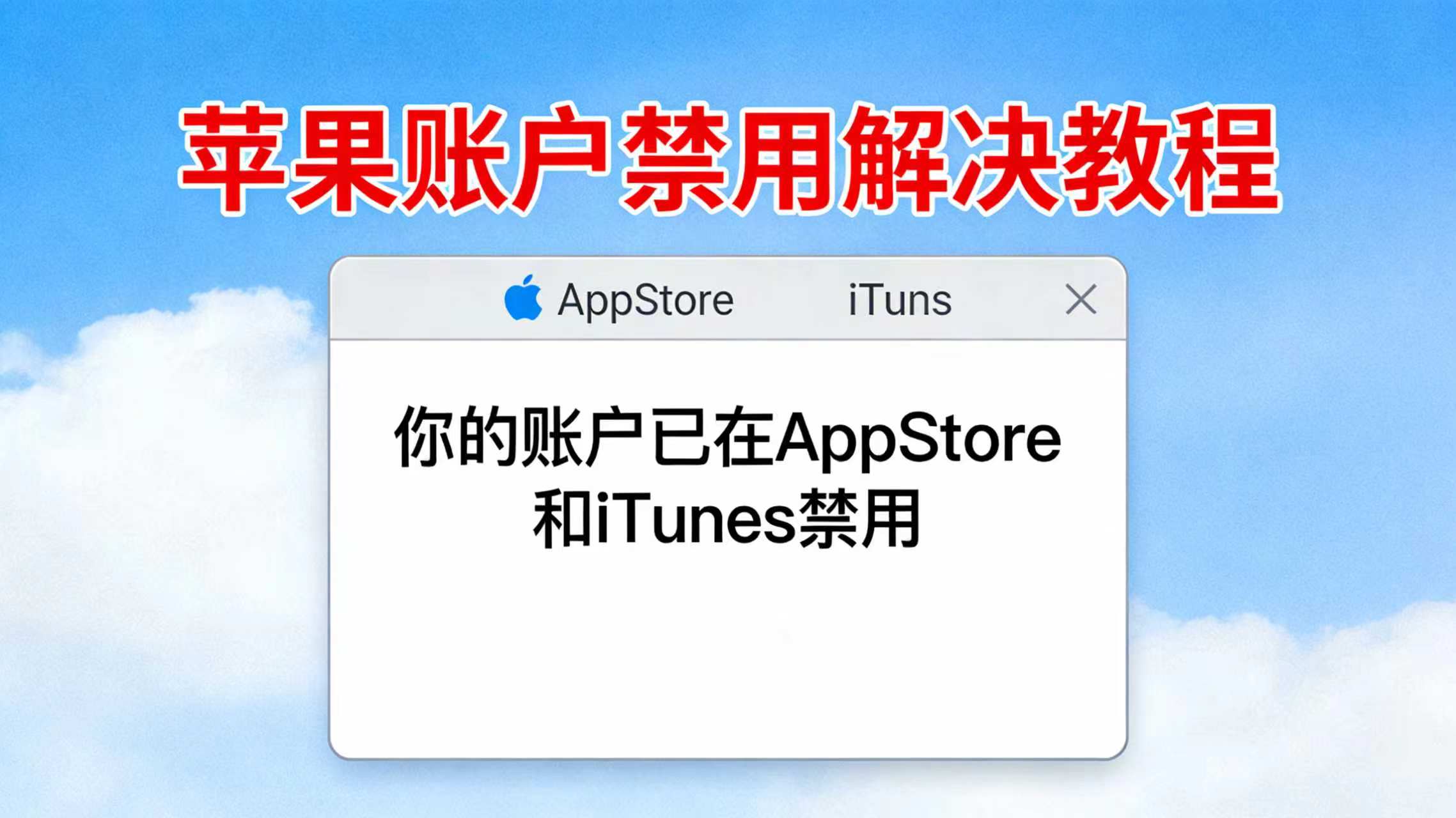
Account has been disabled in App Store and iTunes core solution tutorial
1. First understand the essence of the problem
When you update App, this prompt pops up, over 90% is because:
- This App was originally usedAnother Apple IDDownload (for example previously used US ID, friend shared ID, old account download)
- Now you are logged in tonew Apple IDApple system does not allow using different accounts to update others' downloaded App
- The system mistakenly prompts "account mismatch" as "account disabled", which is misleading prompt text
2. Fastest solution method (recommended)
Method 1: Delete App then use current ID redownload
- Long press desktop App icon → Click "Delete App" → Confirm delete
- Open App Store → log in youCurrent in use Apple ID
- Search the App → Click "Get / Download", reinstall
- Subsequent updates will use current ID, will not pop up disable prompt
Note: Backup before deleting App internal data (such as chat history, local files), avoid data loss.
Method 2: Switch back to the original downloaded Apple ID
- Open "Settings" → Click top "Apple ID" → Slide to bottom "Log out"
- InputThe initial download of the App's Apple ID(for example US region ID, old account) complete login
- Open App Store → Find pending update App, click "Update" to complete
- After update is complete, you can switch back to your usual Apple ID (subsequent updates still need to switch back to original ID)
Suitable for not wanting to delete App, retain data situation, but every time update must switch ID, quite cumbersome.
3. Advanced solution: Batch process multiple old ID download App
If multiple App all appear this problem:
- Open App Store → Click top right corner avatar → Enter "Purchased Items"
- Switch to "Not on this iPhone", view all apps downloaded with current ID
- For prompt disabled App:
- If current ID in "Purchased Items" can find: directly click "Download" to overwrite install
- If cannot find: indicates is other ID download, can only delete then use current ID redownload
4. Pitfall Reminder
❌ Do not go try "unlock account" "contact customer service appeal disable", because account itself not been banned, just ID not match❌ Do not use third-party tools to force update, may lead to data loss or device abnormality❌ Do not share Apple ID with others download App, subsequent updates will frequently appear this type problem
5. Prevention plan
- Try to useSame Apple IDDownload all App, avoid frequent switch account
- Before changing your Apple ID, first delete all apps downloaded with the old ID, then re-download them with the new ID
- US region / foreign region account only used for downloading specific App, after downloading try not to update, or update when switch back original ID