






Plane number jump email problem solved
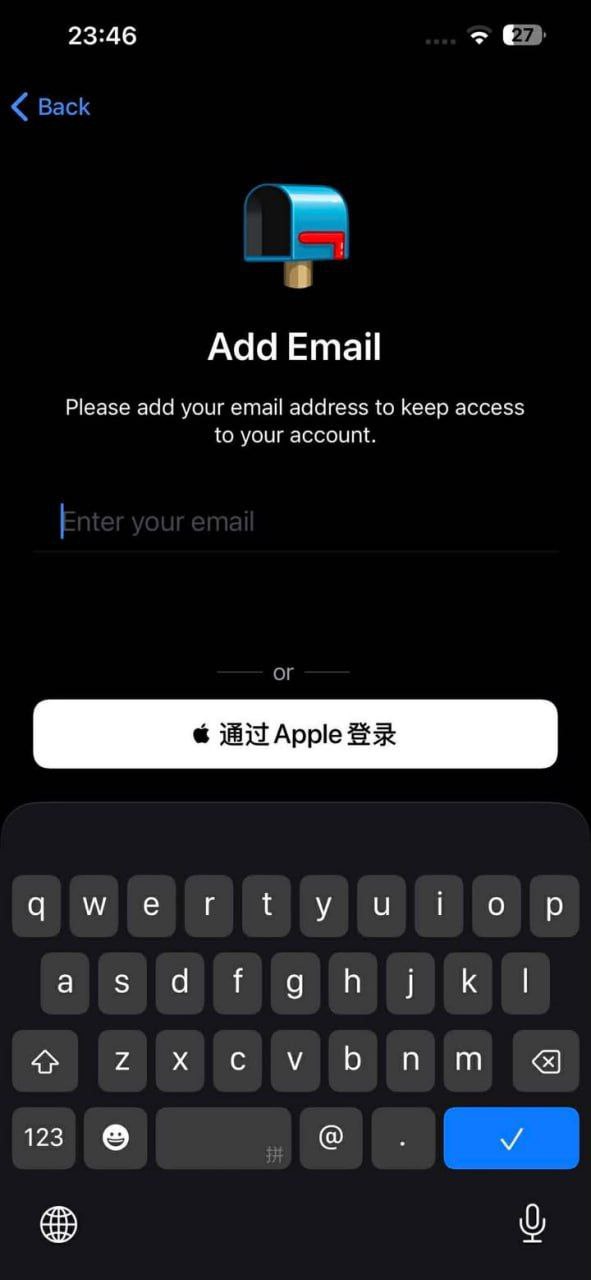
Recently, airplane numbers frequently appear as shown in the two situations, the reason is that you need an email because when registering, you did not bind an email, when you log in, you need to bind an email, after binding, the second image appears SMS fees, this is unrelated to the number, this came out after the big update of tg in August last year, in August last year, Tg updated two major issues, the first is SMS fees, the second is device risk control numbers will be frozen for a period of time, freezing is unsolvable, but the problem in the above image can be solved, download third-party airplane, download address http://app.feijige.shop
or use computer login.
ps: If SMS fees occur, you can open a one-month membership for the number to log in to the normal version. tg updates everyone have no way, only the above solution. Hope to adopt.